
AI Dubbing for Short Dramas: A Practical Workflow
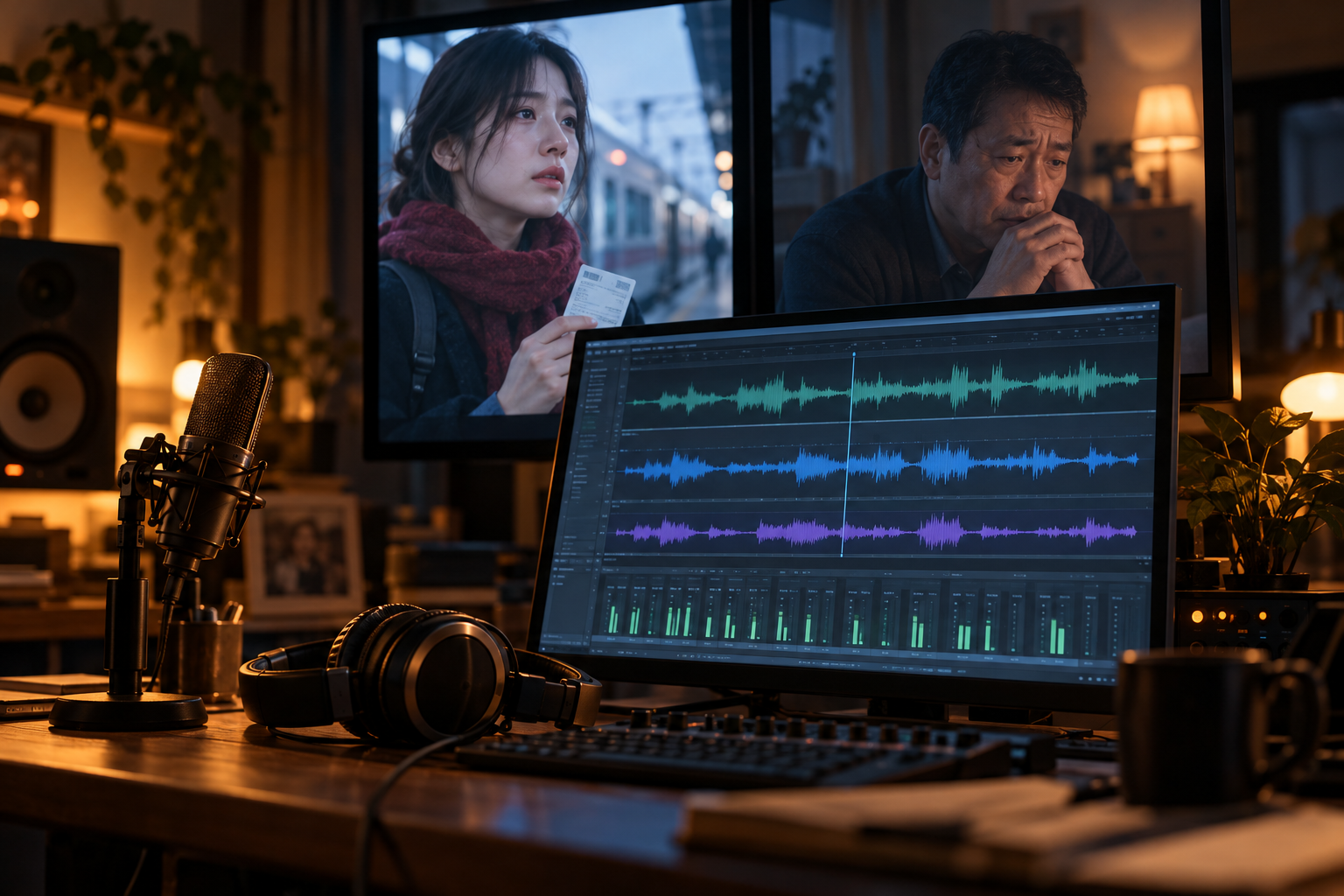
AI dubbing for short dramas works best when you treat each character’s voice as a casting decision, not an export setting. Choose the voices early, generate dialogue in manageable turns, and edit the pictures around believable speech. Trying to squeeze finished dialogue into arbitrary video lengths usually produces rushed lines and awkward pauses.
For a vertical drama, I recommend a voice-first workflow: lock the scene’s meaning, cast the characters, approve the dialogue audio, then build and trim the shots. Here’s how to make that process repeatable across episodes without flattening every performance into the same polished narrator voice.
What AI dubbing actually needs to solve
Dubbing can mean replacing an existing performance, translating dialogue into another language, or creating the first spoken track for an AI-generated scene. Those jobs share a toolset, but they have different constraints.
If you already have footage of a character speaking, your audio must fit the available screen time and, ideally, the visible mouth movement. If you are creating a new AI drama, you can reverse that dependency: make the performance first and plan suitable shots afterward.
That second option is often more forgiving. You can put a difficult line over a reaction shot, let a confession begin off-screen, or cut away before a mouth mismatch becomes distracting.
The goal is not simply clean audio. It is a scene where viewers can tell who is speaking, understand what changed, and feel why the next line matters.
A practical AI dubbing workflow for a short drama
1. Write a scene that can survive being spoken
Start with one location, two speakers, and one change in power. For example: a daughter finds a train ticket, confronts her father, and learns he was leaving to protect her rather than abandon her.
A short exchange might read:
Maya: You bought a one-way ticket?
Daniel: Keep your voice down.
Maya: You were going to leave without telling me.
Daniel: I was going to make sure they followed me. Not you.
This gives each voice a job. Maya wants an admission. Daniel wants silence, then understanding.
Read the lines aloud before generating anything. Replace phrases you stumble over. Remove explanations already visible in the image. If Maya is holding the ticket, she probably does not need to say, “I found this train ticket inside your coat pocket.”
For an initial 45–60-second scene, try roughly 70–100 spoken words, leaving room for looks and pauses. This is a planning range, not a platform limit; an argument and a quiet confession will occupy time differently.
2. Build a voice card for each recurring character
A consistent voice needs more than a saved voice selection. Keep a small reference card beside your script:
| Field | Maya | Daniel |
|---|---|---|
| Voice identity | Selected voice and identifier | Selected voice and identifier |
| Baseline delivery | Direct, clipped | Measured, restrained |
| Accent | Chosen regional accent | Chosen regional accent |
| Pace | Quick under pressure | Slow until interrupted |
| Emotional boundary | Angry, not shrill | Afraid, not theatrical |
| Pronunciation notes | Names and recurring terms | Same shared glossary |
Record the model and relevant generation settings too, where available. A voice identifier alone may not reproduce the same result after a model or settings change.
Save an approved neutral line and an approved emotional line for each character. Those audio references make it easier to judge whether episode four still sounds like episode one.
Treat visual identity with the same discipline. The companion guide, How to Create Consistent Characters in AI Video, covers the other half of that continuity problem.
3. Cast with a test scene, not a greeting
“Hello, my name is Maya” tells you very little about a dramatic voice.
Audition each candidate with three kinds of line: a plain statement, a question, and a restrained emotional reveal. For Daniel, the final sentence in the sample scene is a useful test. Can the voice land “Not you” without sounding like a trailer announcer?
Choose the pair together. Two individually appealing voices may be hard to distinguish when alternating quickly on a phone speaker.
Use voices you have permission to use. If you clone a real person’s voice, get explicit authorization covering the intended production and distribution. Do not assume permission to use someone’s image includes permission to synthesize their speech.
4. Generate dialogue in turns, with controlled variations
Moovri combines AI scripts, fixed characters and locations, video generation, ElevenLabs dubbing, and a timeline editor. For the audio stage, keep the script organized by speaker, even if your production tool supports generating longer passages.
A dialogue turn is usually a better revision unit than an entire episode. It lets you replace one weak performance without disturbing every other line.
For the crucial reveal, generate two or three candidates before moving on. Change one thing at a time: wording, punctuation, or a supported delivery control. Otherwise, you will struggle to identify what improved the result.
Keep acting notes separate from spoken text unless the selected model explicitly supports them. A direction such as “[whispers nervously]” can be read aloud or ignored in some workflows.
Do not fragment every sentence into individual words. Tiny generations can lose natural rhythm and become difficult to stitch together. Keep complete thoughts intact whenever possible.
5. Approve the audio before committing to close-ups
Lay out the chosen dialogue and listen without looking at the pictures. Does the exchange make sense? Is there room for Maya to absorb Daniel’s answer?
Suppose a generated line lasts 4.8 seconds but your planned shot lasts four. You have several choices:
- Shorten the wording without losing the point.
- Extend or replace the shot.
- Begin the line over the previous shot.
- Carry the end over a reaction shot.
Speeding up the voice should not be your automatic fix. It can change the character’s apparent confidence and make an intimate moment feel impatient.
Once the audio works, generate or select footage around it. Moovri offers Wan, Kling, and MiniMax video models, but model choice does not remove the need to check dialogue timing and mouth movement. A convincing visual shot is not automatically a synchronized talking shot.
6. Use the timeline to shape the performance
Editing is where separate generations become a conversation.
Avoid giving every speaker an identical pause before replying. An accusation may interrupt the previous breath. A realization may need silence. Listen for intention rather than aiming for a uniform gap.
Use a restrained room-tone bed beneath the scene so that edits between voice clips do not leave abrupt pockets of digital silence. Keep music below the dialogue, especially around low or breathy lines.
Check the mix on headphones and a phone speaker. If a word disappears, first lower competing music or effects rather than making the whole scene louder.
Moovri’s timeline editor is the place to assemble those choices into the episode. When you are ready to test the complete workflow, start your series with a single scene rather than a full season.
Fix the weakest line before regenerating the scene
Most dubbing problems are easier to diagnose when you name the failure precisely.
The voice sounds emotionally wrong. Check the writing first. Formal syntax can produce a formal performance. “You intended to depart without informing me” is harder to play naturally than “You were just going to leave?”
The character sounds different between lines. Compare the voice selection, model, settings, and source text. Extreme delivery changes can also make one voice feel like two characters.
A name keeps changing pronunciation. Maintain a shared pronunciation glossary. Use pronunciation controls where supported, or test an alternative spelling in the generation text while preserving the correct spelling in captions.
The mouth does not match. This is not necessarily an audio-quality problem. Revise the shot, use a cutaway, or use a suitable lip-sync workflow. Dubbing alone does not guarantee synchronized lips.
Before budgeting a season, finish one representative scene and record how many attempts it needed. Include discarded audio and video, not just approved clips. Check current pricing against your intended workflow rather than assuming the first successful generation represents the total production cost.
FAQ
Can I keep the same AI voice across every episode?
You can reuse the same authorized voice selection, but continuity also depends on the model, settings, wording, and delivery. Save a voice card and approved reference clips. Compare new dialogue against those references before editing an entire episode around it.
Does AI dubbing automatically match a character’s lips?
No. Speech generation, translation dubbing, and lip synchronization are distinct tasks, even when a product combines them. Check what your specific workflow supports. For new scenes, approving audio before planning close-ups gives you more flexibility; reaction shots and off-screen dialogue can reduce visible mismatches.
Should I translate the script before generating another language?
Yes, but adapt it for spoken delivery rather than translating word for word. Preserve the intention, relationship, and reveal, then check pronunciation and duration in the target language. Different languages may need different shot lengths. Have a fluent reviewer check important releases, especially jokes, threats, and emotionally loaded phrases.
Make your own AI series
Fixed characters, fixed locations, consistent voices and a pro editor in one studio.
Start creatingKeep reading
- How to Create an AI Short Drama Series
Learn how to create an AI short drama series, from a three-episode script to consistent scenes, voice dubbing, vertical editing, and a finished pilot.
- How to Create Consistent Characters in AI Video
Create consistent characters in AI video with a practical workflow for reference images, shot planning, voice casting, and editing a vertical drama series.